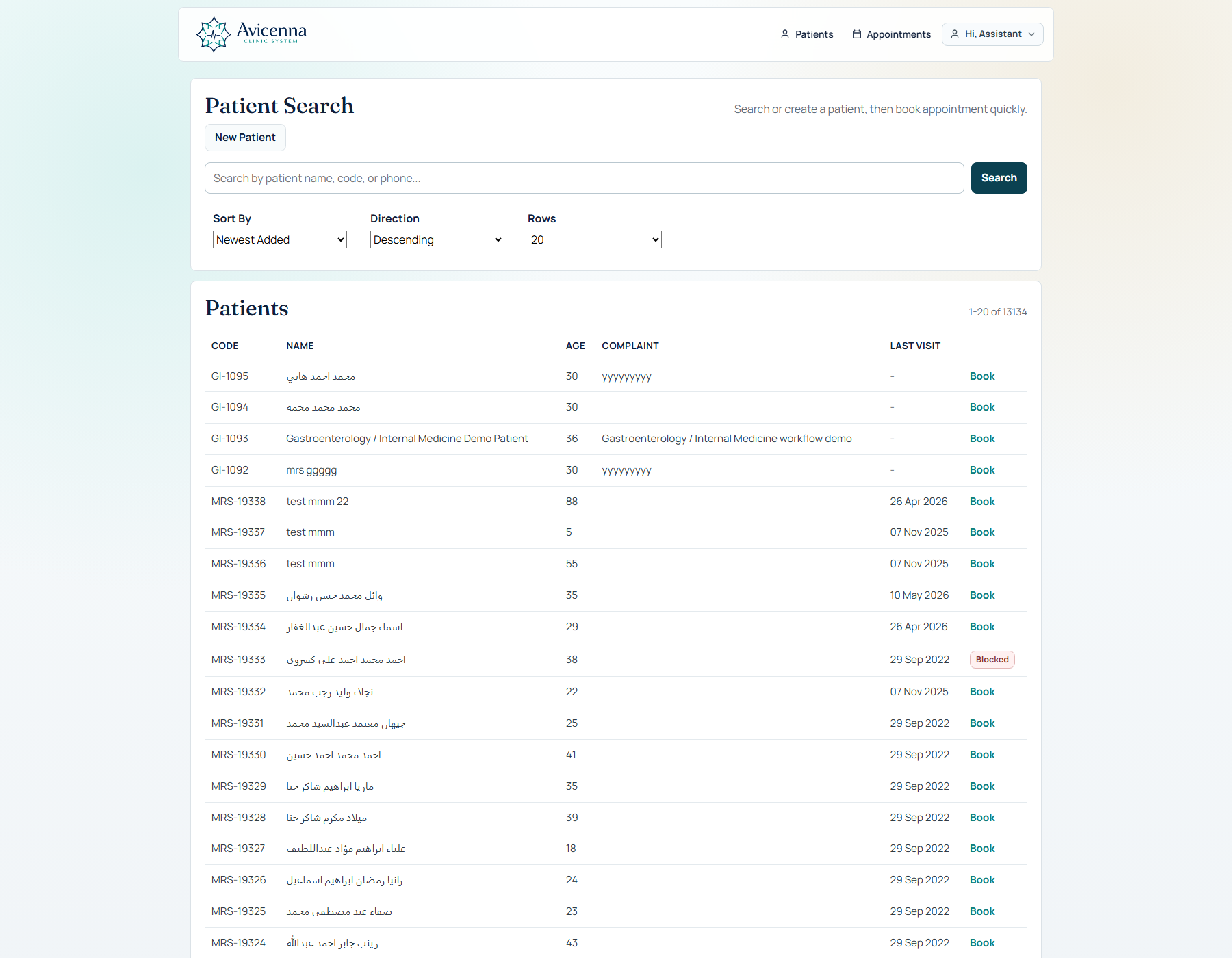
Search existing patient, detect duplicates, or move into quick registration from a real front-desk screen.
The visit can then open directly from operational context instead of making the team rebuild the patient path manually.
This page explains the workflow the way a real clinic feels it: patient search, appointment, visit execution, structured documentation, AI support, print/share, and future continuity. It is the page that turns the product from a module list into a believable day-in-clinic story.
Search existing patient, detect duplicates, or move into quick registration from a real front-desk screen.
The visit can then open directly from operational context instead of making the team rebuild the patient path manually.
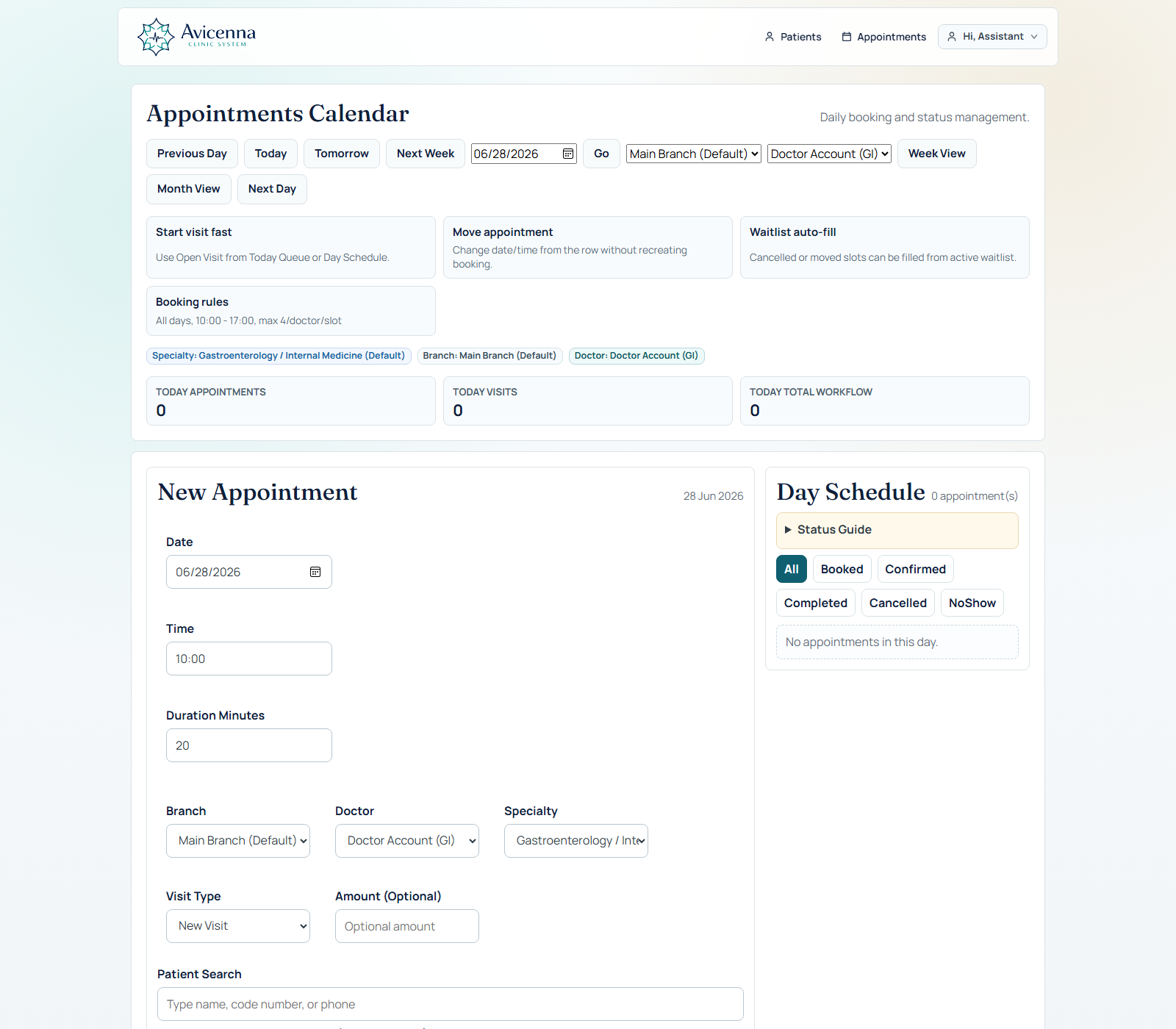
Each moment explains not only what the system does, but why the doctor or assistant would care.
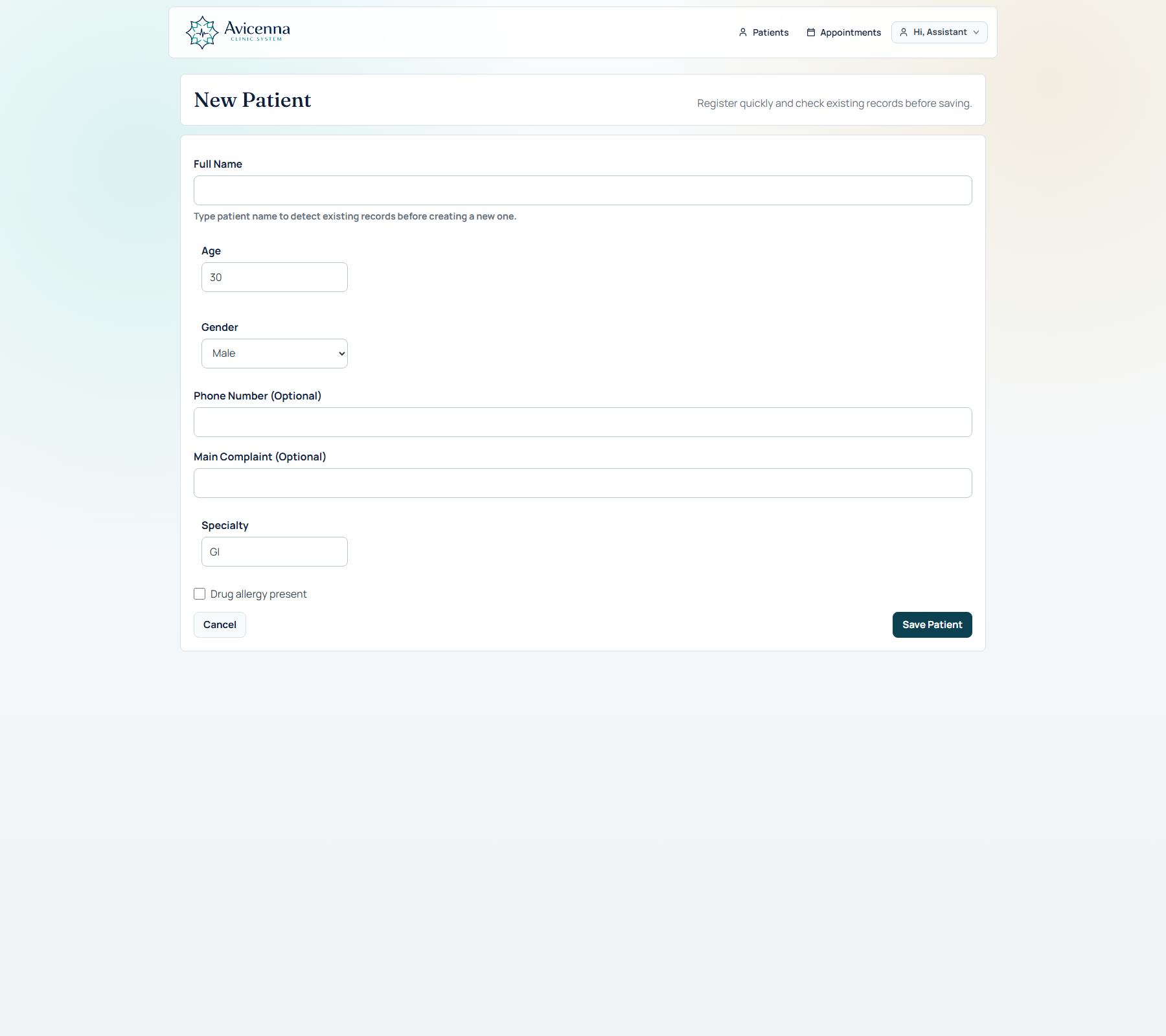
The assistant starts by searching the patient database. Existing records appear first, duplicates can be reviewed, and if the patient is new, registration stays fast and practical.
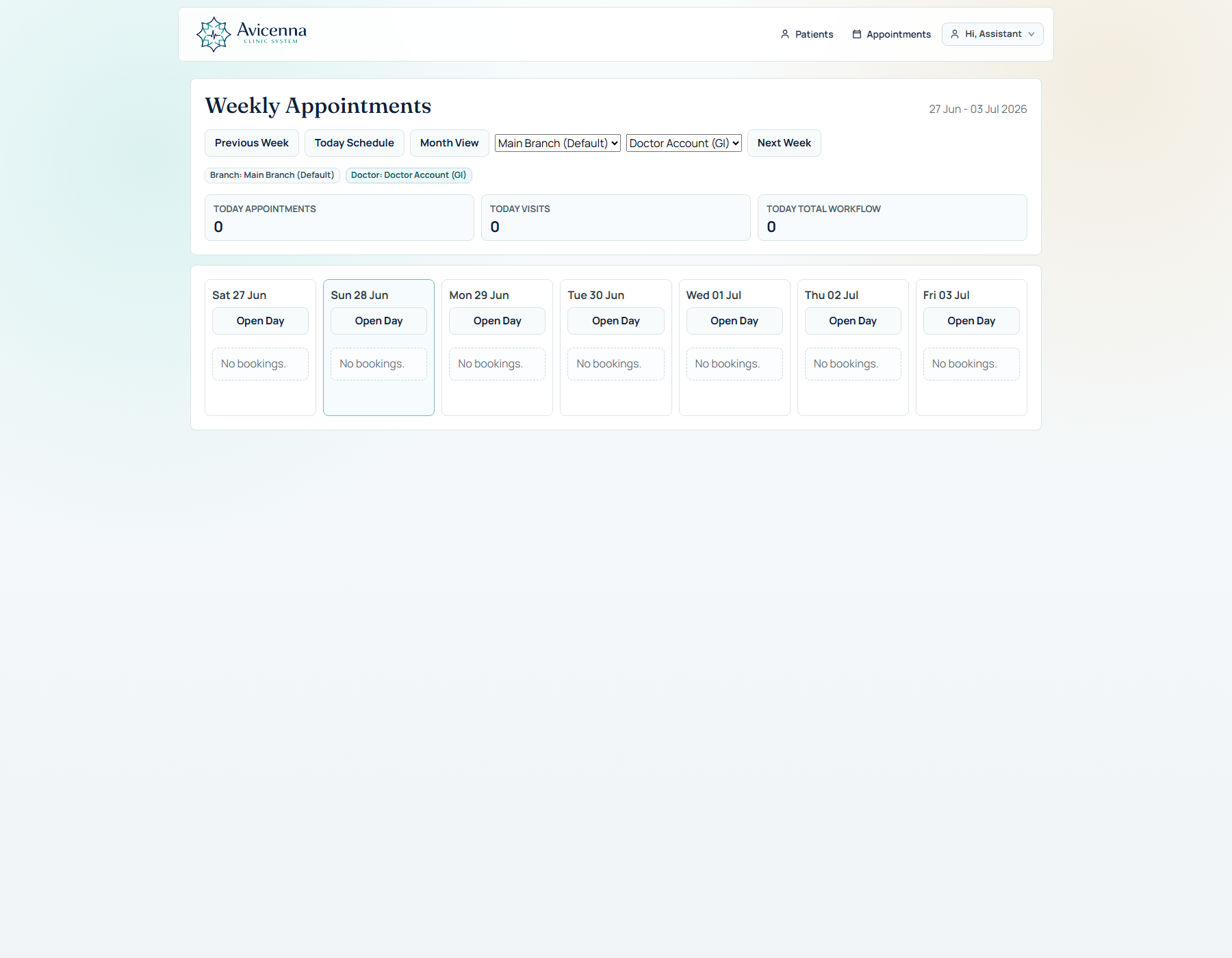
Booking is not just date/time. It can include branch, doctor, visit type, amount, queue status, and reminders so the clinic day already has shape before the visit opens.
The doctor enters one configurable page that combines clinical core fields, dynamic tabs, managed questions, prescription, uploads, speech, AI readiness, quick context, and patient tracking. It is not a fixed form; it changes with the active visit configuration and specialty workflow.
The doctor can move through structured question sets, follow-up smart templates, clinical protocol bundles, and prescription templates without leaving the visit. GI can stay deep, while other specialties can be lighter or differently shaped.
Uploads, mobile QR image capture, speech dictation, and conversation transcription help the visit hold more real-world evidence without leaving the workflow.
The end of the workflow stays explicit. The doctor can save the visit cleanly first, or save and send the documented case for AI drafting with visible readiness and safety cues.
After save, the result becomes part of the patient memory layer. The doctor can revisit the profile, timeline, problems, uploads, AI imports, and print outputs without rebuilding the case from memory.
This is where the product stops being feature-rich in a noisy way and starts feeling clinically intentional.
The doctor stays inside one visit surface instead of jumping between notes, uploads, templates, and AI tools.
Question sets and tabs can go deep without forcing the same workflow on every specialty or every doctor.
What happens today is visible tomorrow through profile, quick context, timeline, and AI history.
Quick save actions and print/share outputs make the end of the visit feel explicit instead of fuzzy.
This capture shows a practical front-desk truth: when the patient is missing, the assistant should not lose momentum. Search, duplicate review, and new registration stay on the same path so the workflow feels continuous.
This screen proves the handoff layer. Once the patient is found or registered, the clinic can place them into a real queue and move toward the doctor workflow without repeating steps or rebuilding context.
This screenshot gives the workflow commercial weight. Weekly movement, same-time pressure, and rescheduling depth show that the doctor journey is backed by real operations, not only a neat note form.