01
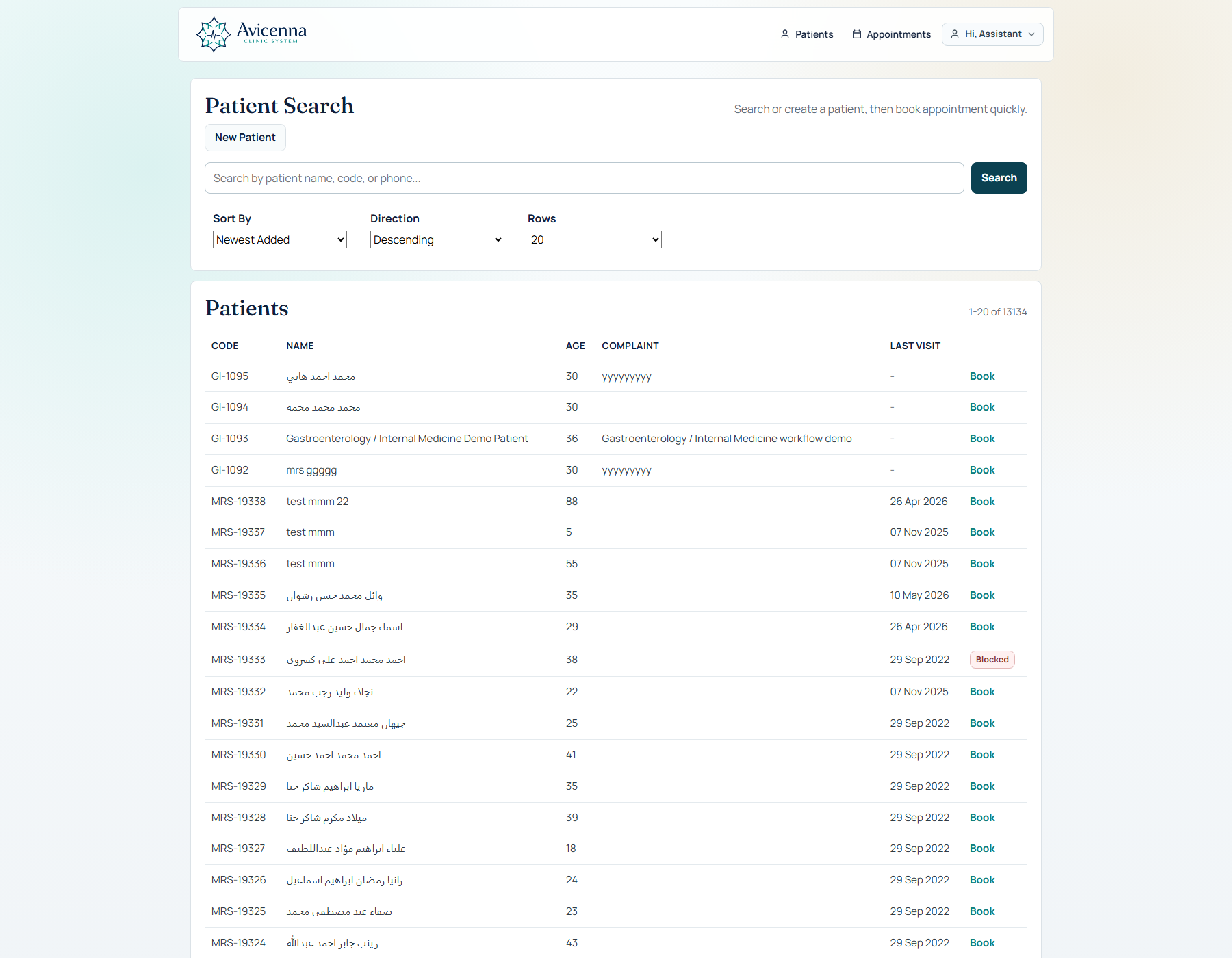
Find or register
Fast patient access without leaving the assistant’s working flow.
 AvicennaClinic System
Clinical workflow platform · Specialty ready
Avicenna connects appointment flow, the doctor’s visit, longitudinal patient memory, clinical AI, and clinic operations—without forcing the team to reconstruct context at every step.
From the front desk to the follow-up
One connected product
Avicenna is organized around the work clinics actually perform. Each layer is useful on its own; together they keep the day moving and the record intact.
The clinic day, uninterrupted
Fast patient access without leaving the assistant’s working flow.
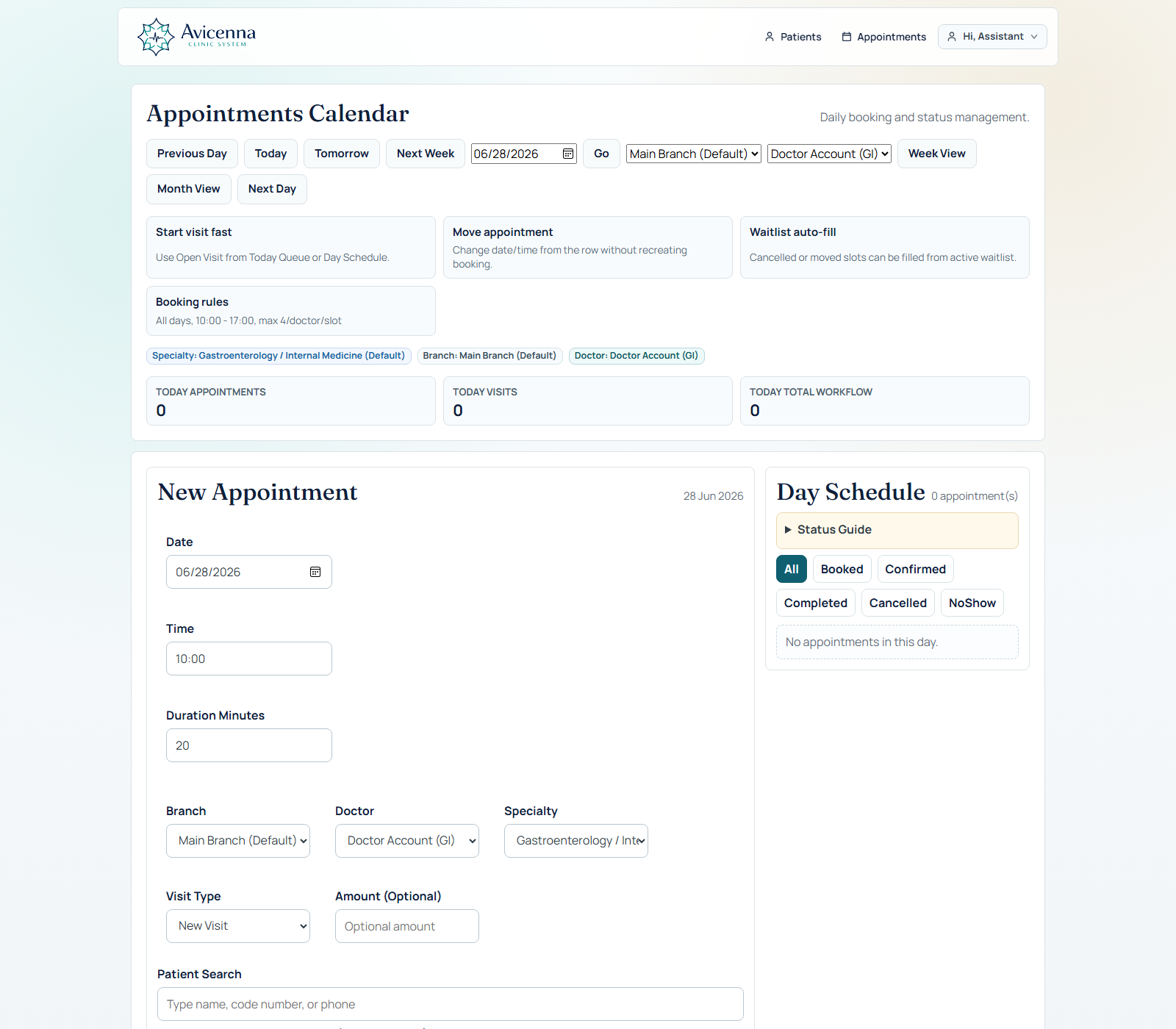
Appointments, walk-ins, status, and doctor assignment in one view.
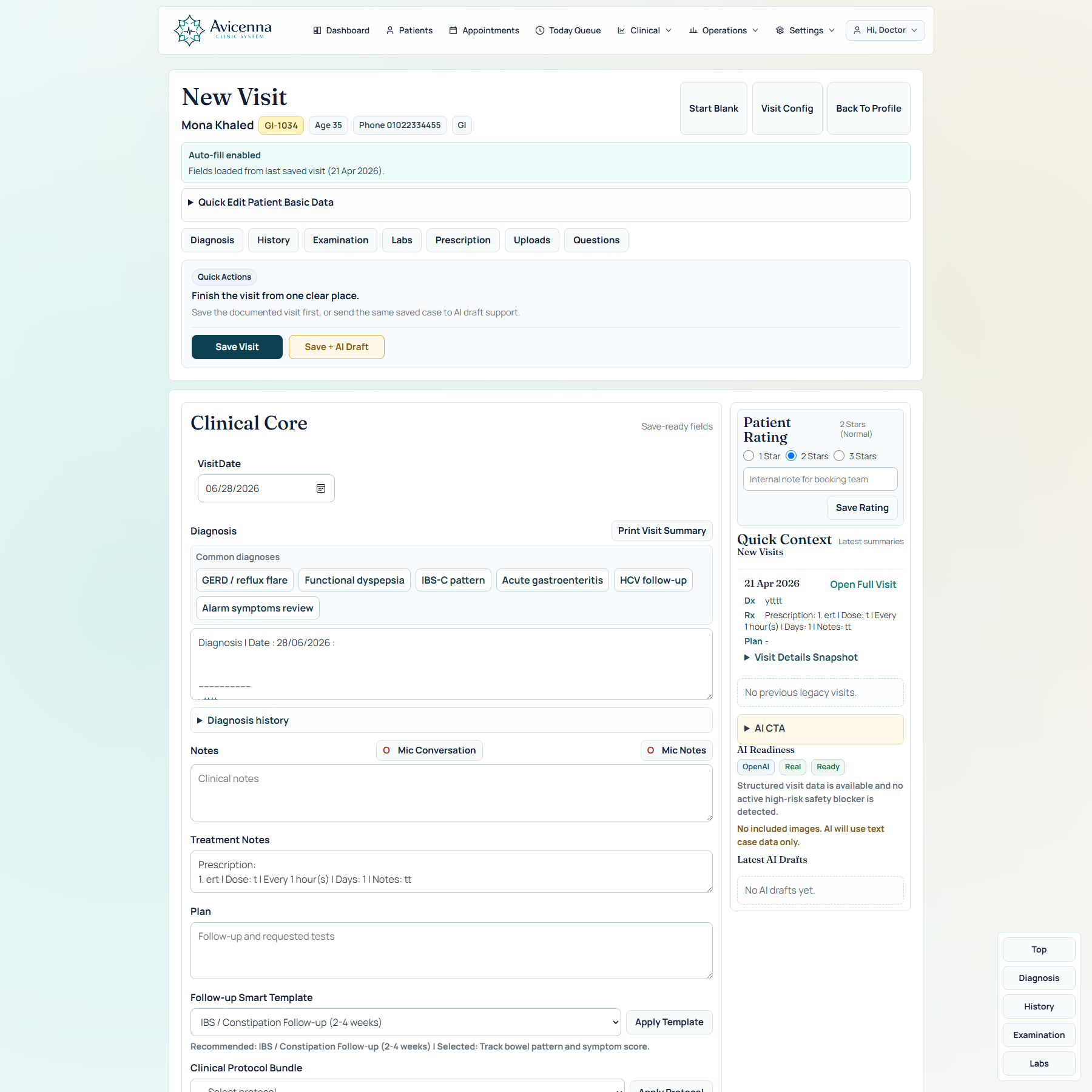
The full clinical visit stays in one deliberate workspace.
Today’s work becomes context for every visit that follows.
01 · Doctor workspace
Avicenna keeps documentation, clinical context, decisions, and save actions in the same screen. Structured depth is available without turning the consultation into form navigation.
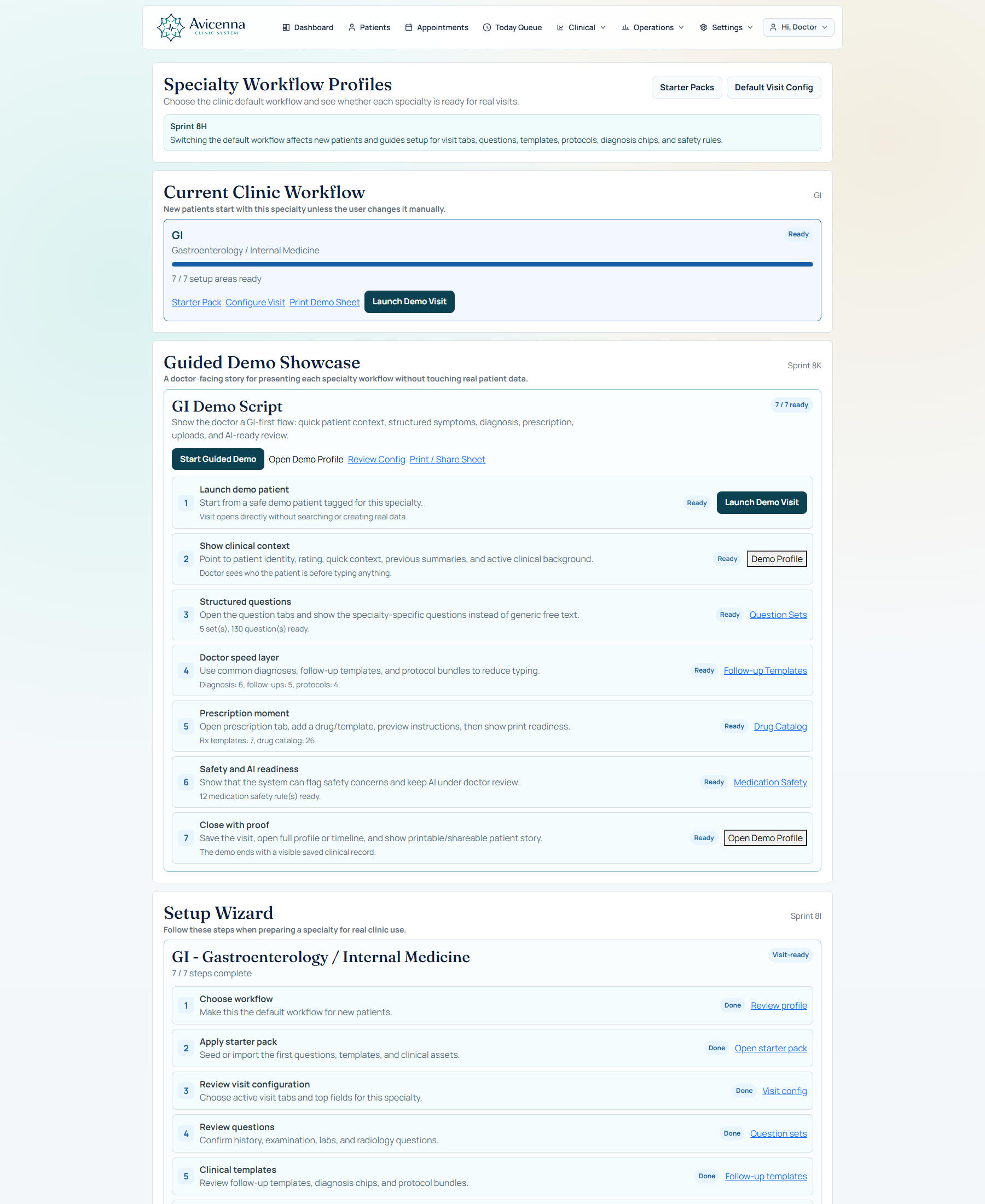
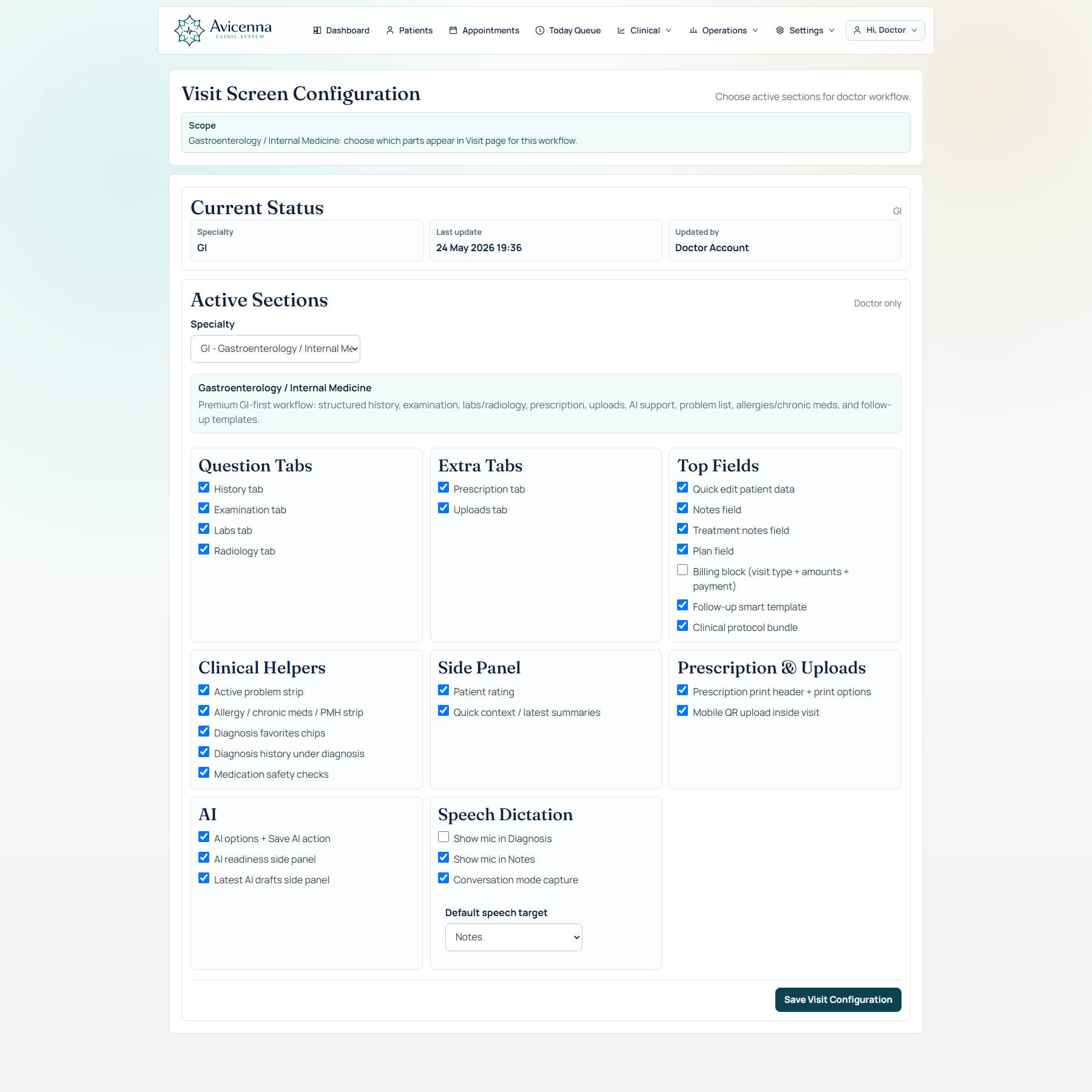
02 · Dynamic clinical workflow
The visit adapts through configurable questions, specialty workflows, clinical protocol bundles, follow-up templates, and reusable starter packs—without hard-coding one clinic’s process into every tenant.
03 · Longitudinal patient memory
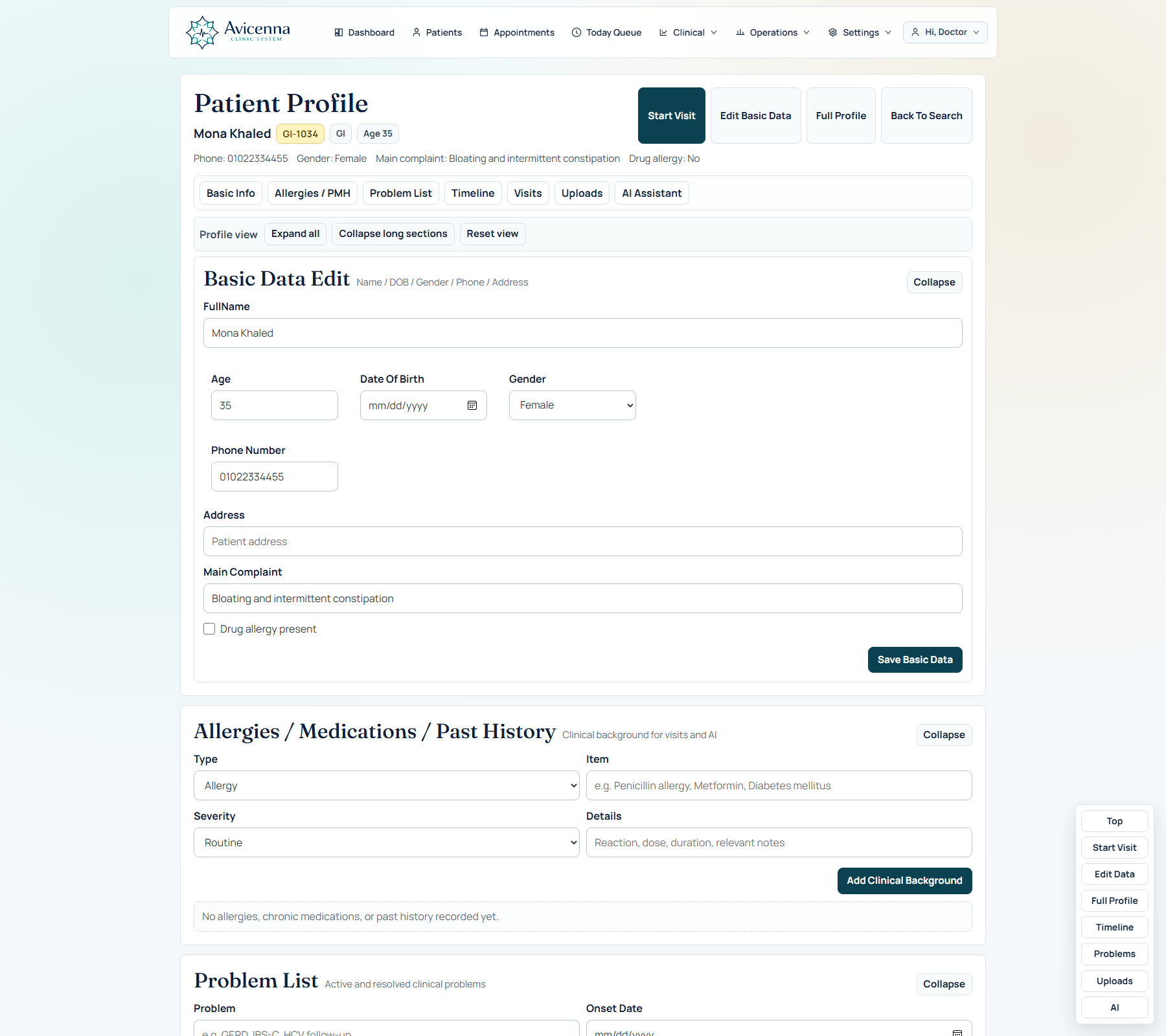
The profile is not a registration record. It is the doctor’s persistent case memory: identity, background, active problems, uploads, visit history, clinical summaries, and AI records in one longitudinal view.
04 · Clinical AI with boundaries
Avicenna’s AI layer supports real clinical jobs rather than sitting beside the product as a generic chatbot.
Prepare a clinical draft using the available structured case data.
Surface assistive recommendations in the context of the visit for doctor review.
Bring relevant output into the workflow without losing the patient record context.
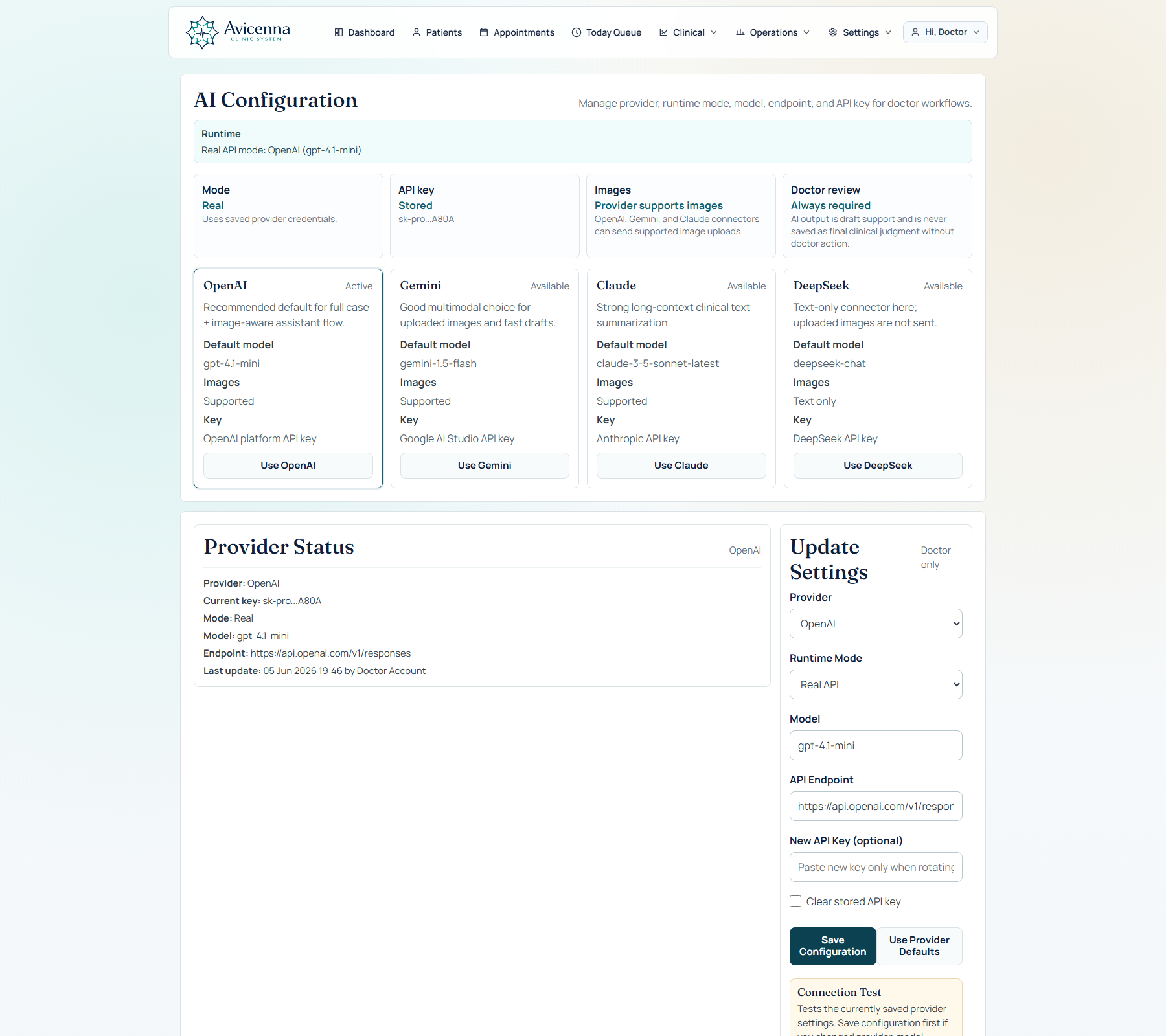
Configure providers and readiness instead of hiding AI behind an uncontrolled black box.
The doctor remains responsible for reviewing, editing, and approving clinical output.
Prepare the workflow for image-supported cases while keeping input status explicit.
See it in context
05 · The clinic around the visit
Avicenna connects the clinical core to the systems that keep a clinic moving, accountable, and ready to scale.
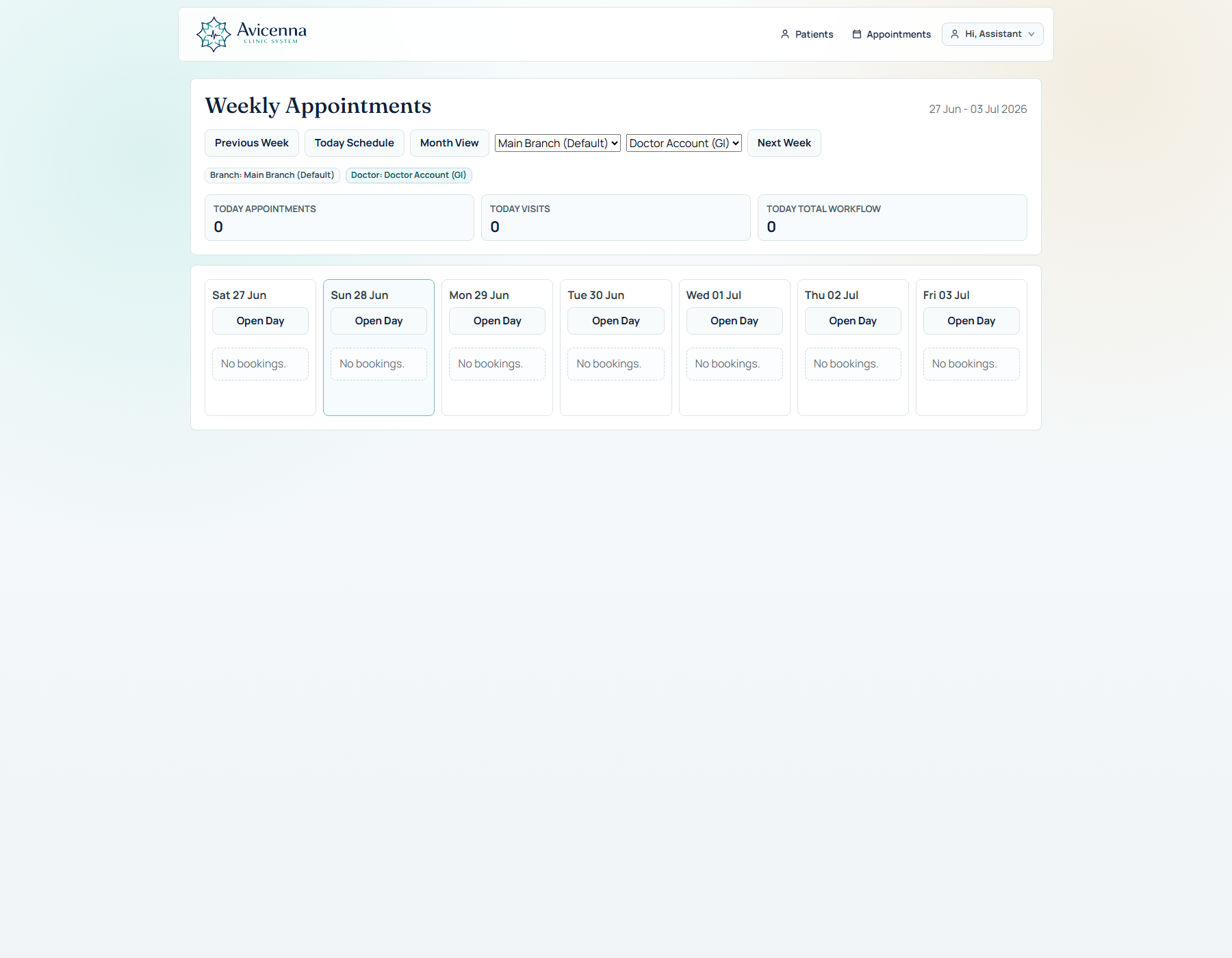
Day and week views, queue state, doctor assignment, walk-ins, and booking flow.
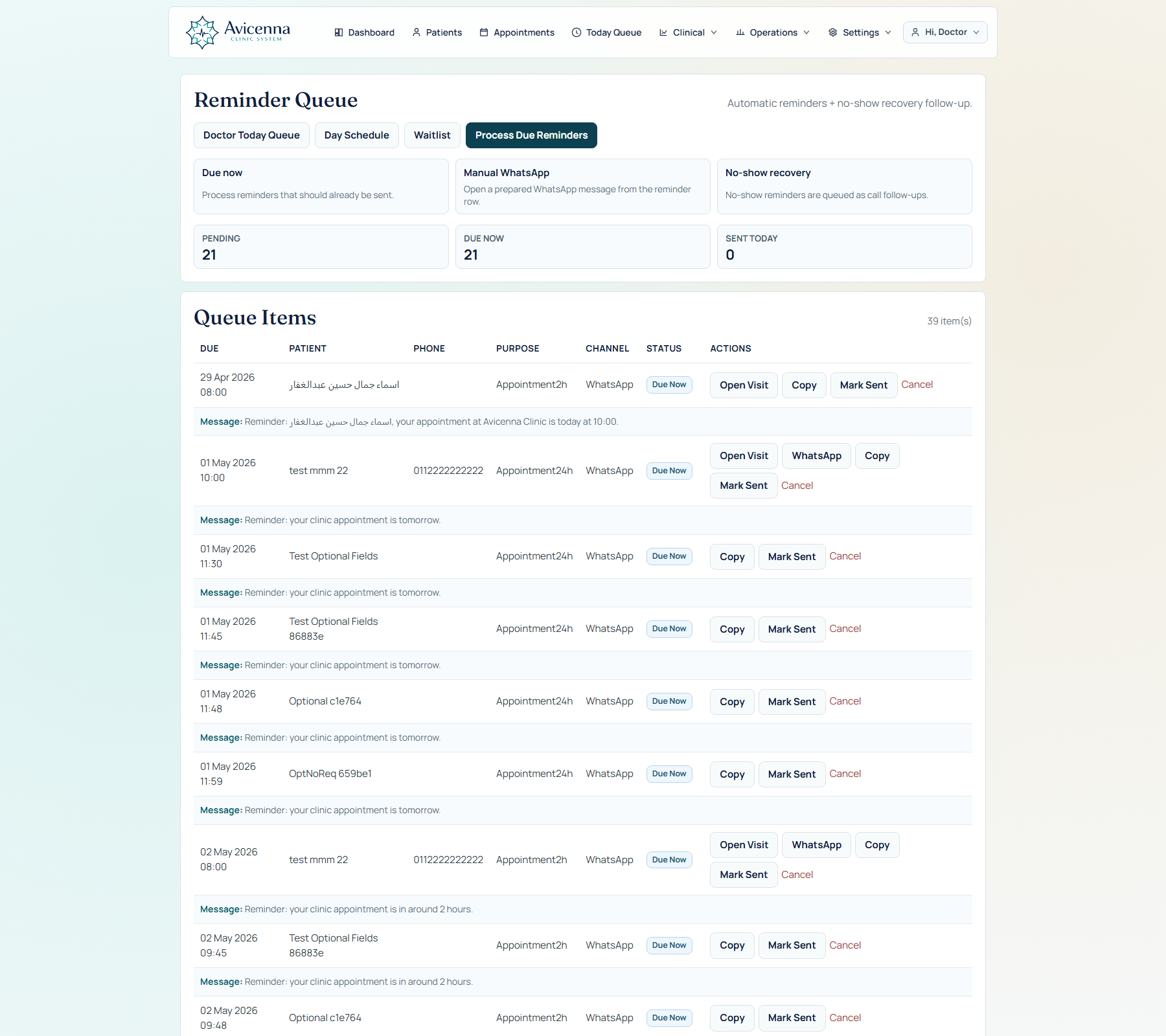
Keep reminder work visible and tied to real patient activity.
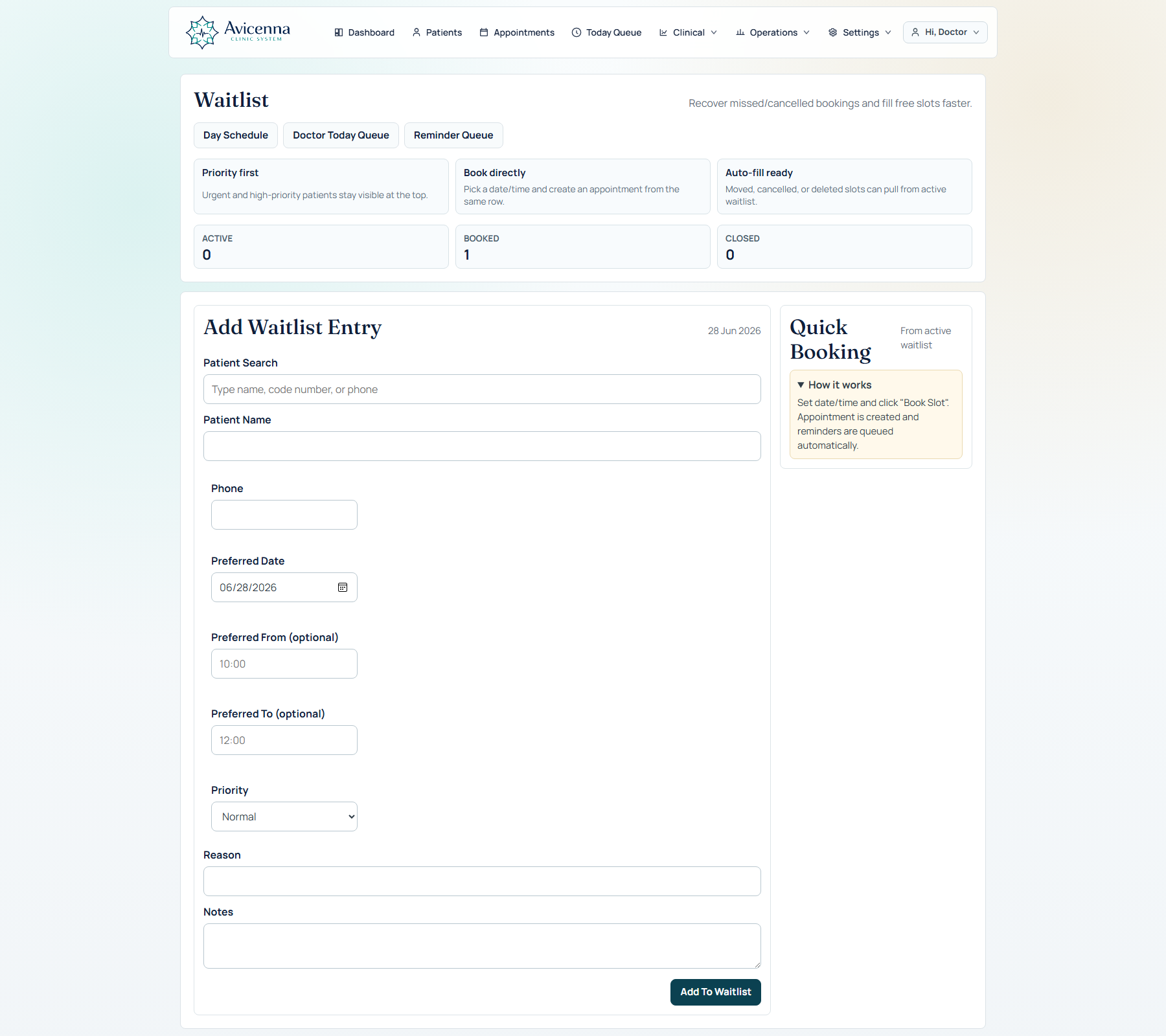
Manage waiting demand as part of the appointment operation.
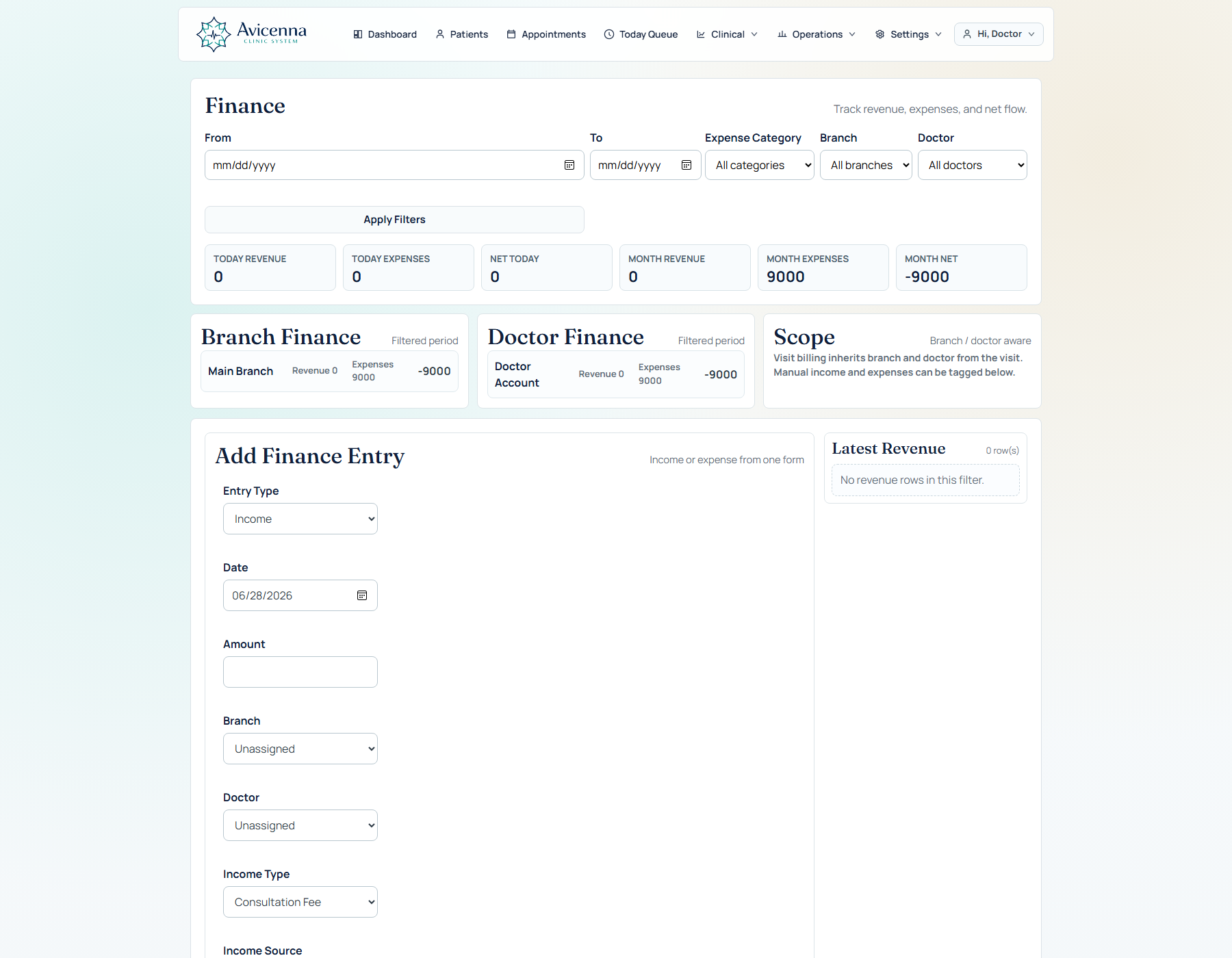
Connect billing and performance visibility to the activity actually happening across the clinic.
06 · Built for institutions
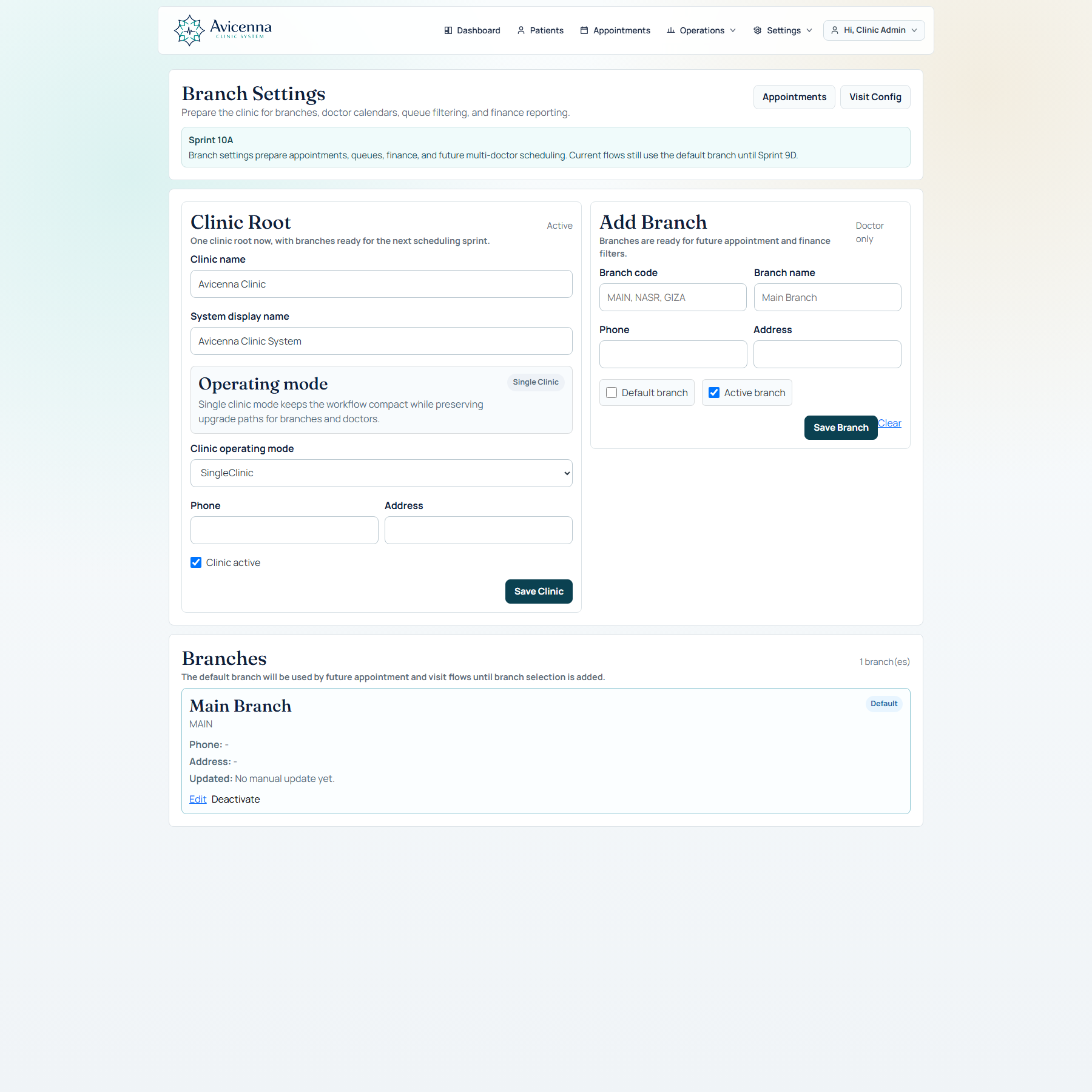
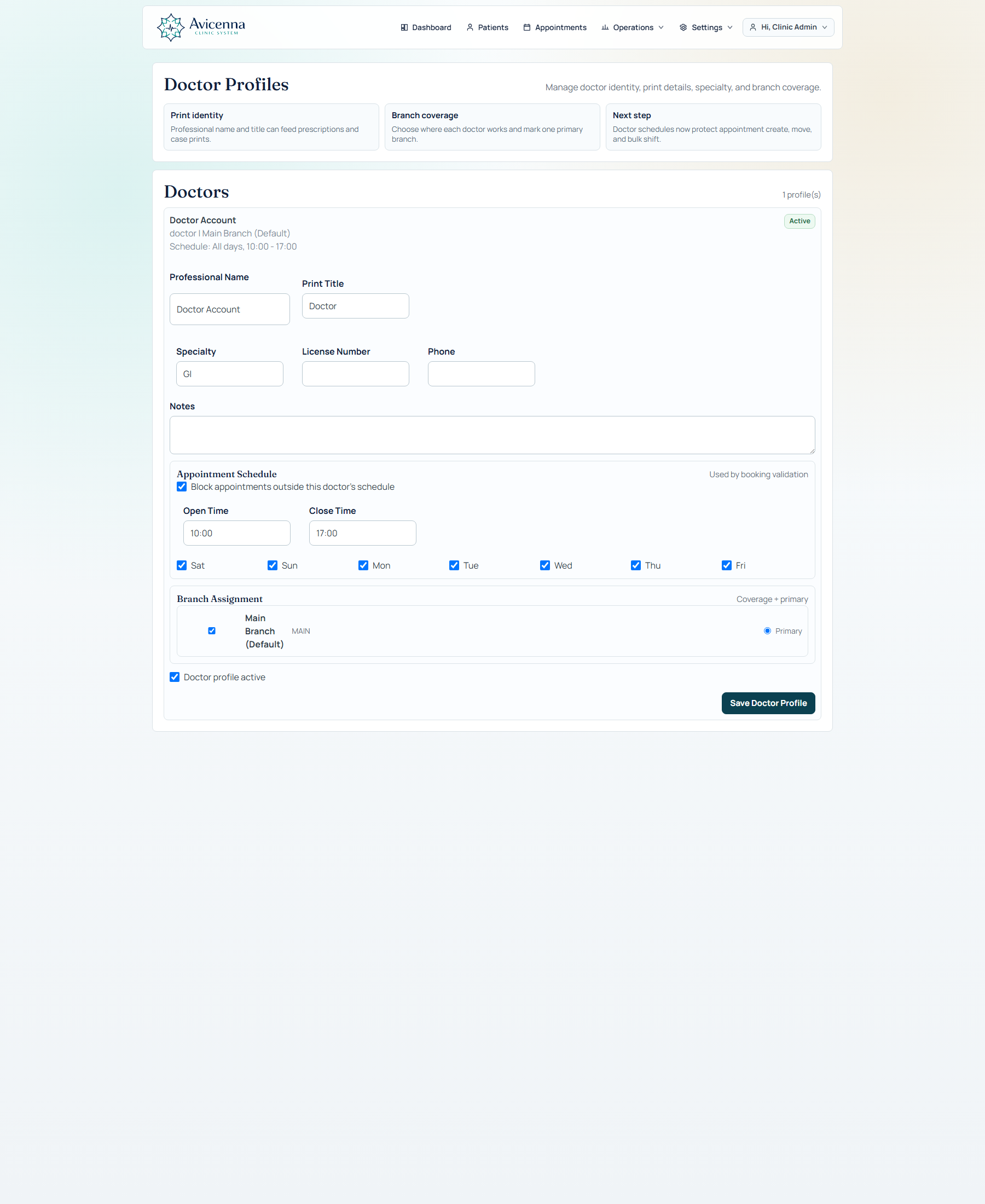
Shape settings and operations around each clinic location.
Control clinical identity, assignment, and working context.
Keep access and change responsibility explicit as the organization grows.
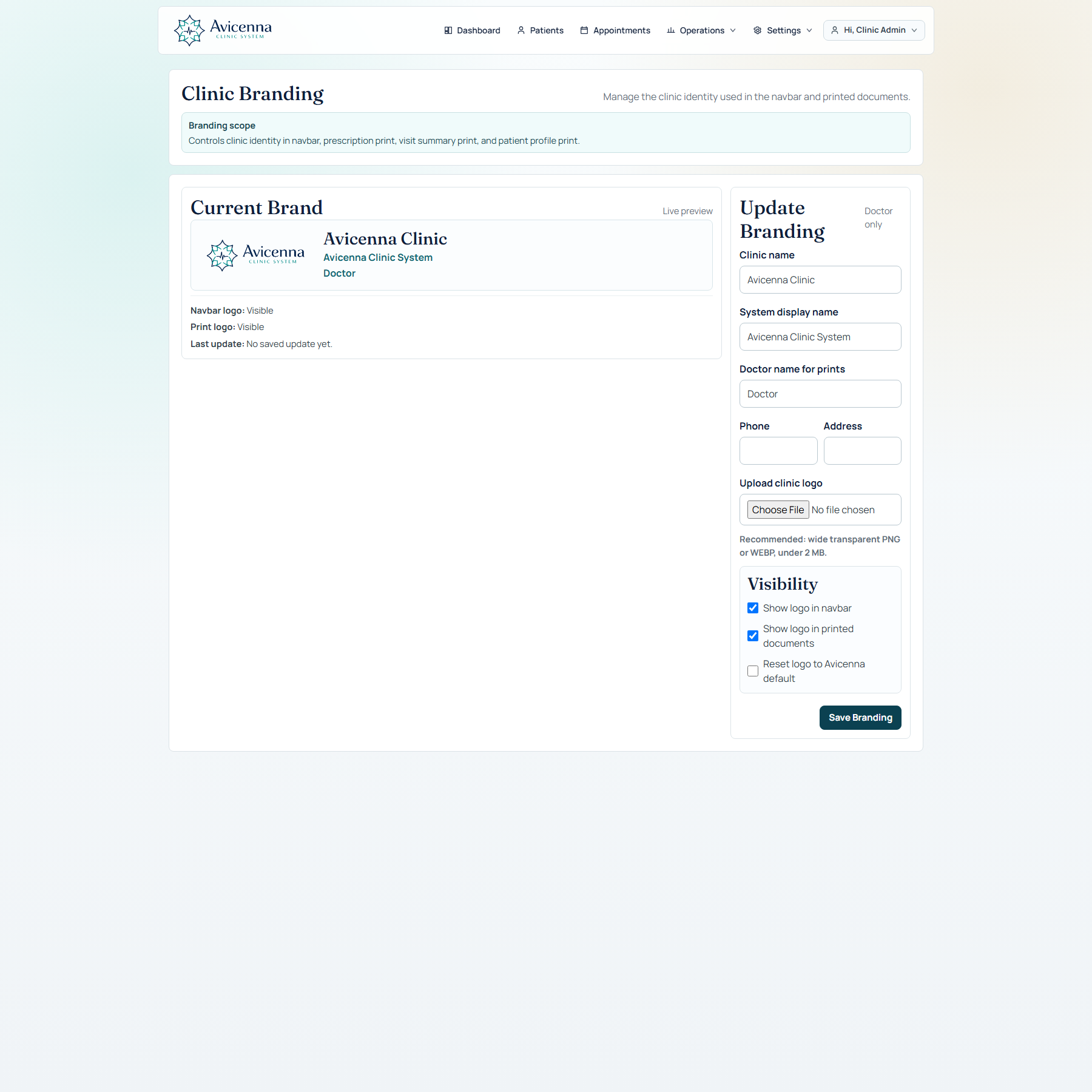
Carry clinic identity into the platform without fragmenting the product.
Deploy reusable specialty setup and configuration from a governed source.
Why Avicenna
The doctor’s visit and patient continuity shape the platform architecture.
Assistance is contextual, configurable, and reviewed—not detached from care.
Dynamic questions, protocols, templates, and starter packs preserve specialty depth.
The clinic can manage the day around the visit without assembling disconnected tools.
Branches, doctors, roles, branding, and workflows adapt without losing governance.
The experience shown here is built from working Avicenna screens—not conceptual mockups.
The product is best understood in motion
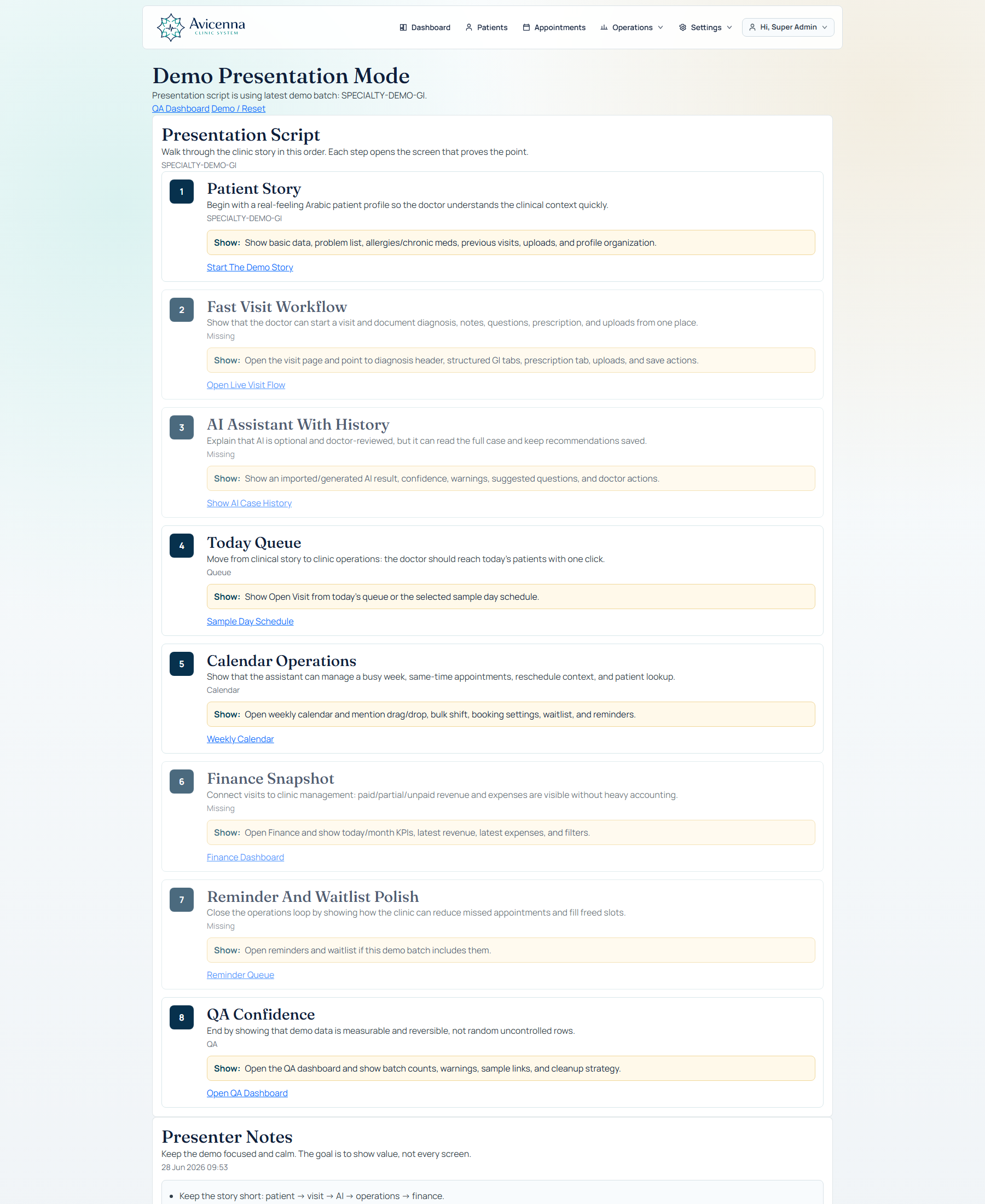
Walk through patient access, the clinical visit, AI support, patient memory, and operational control using the real product.